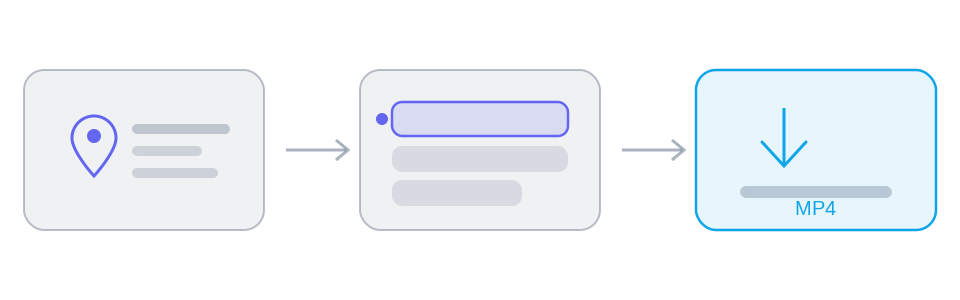
Copy the original share URL, complete page verification and save the returned media. Includes link examples for 17 platforms and help with failed downloads.
Before you paste
Open the link and check that it points to the intended post. A page that works only while you are signed in may be inaccessible to a parsing service.
- Use a single video, Clip, Pin, Spotlight or track address.
- Keep required share parameters; do not shorten the URL by hand.
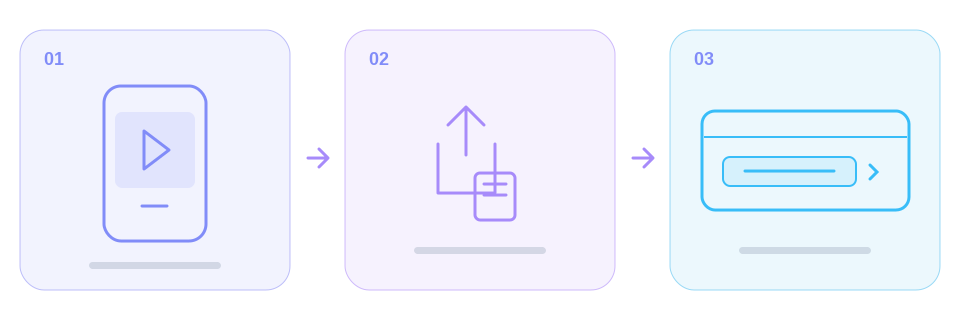
Copy the single-item link on a phone
Open the target item, tap Share or the more menu, then choose Copy link. Names and positions vary by app version. The address should identify that video, note, post or track; do not stop at an author profile, search page or collection.
Desktop addresses, short links and share text
On a computer, open the individual content page before copying its full address. Keep share short links as supplied. If one will not open, open the item in the source app or browser and copy again. Submit one target link at a time from shared text; manually paste a complete recognizable URL if copying fails.
Keep original parameters, not temporary media URLs
Do not delete everything after the question mark: YouTube’s v parameter identifies the video, and other sharing links may need their original parameters. Use the app’s supplied share link without editing signatures or authorization parameters. Avoid blob URLs, manifests and short-lived relay addresses copied from a player. The examples below describe URL shapes, not successful extraction test fixtures.
Read the panel instead of guessing the format
A direct-save result and a pair of separate tracks are different cases. If quality selectors appear, choose among the returned options; a missing option cannot be manufactured.
If the result is empty
Confirm the link and audience setting first. Then try again later if the source is temporarily unavailable. Repeated requests can hit upstream limits.
- A streaming manifest alone is not a finished downloadable video.
- Private, paid, deleted or restricted content may not return usable media.
If saving fails
YouTube and X use the relay by default, with media checks and provider fallback. For other platforms, try a relay button if offered. Relaying does not guarantee source access. Parse the original post again for expired links; follow the linked download failure guide for detailed checks.
Keep verification and media-link expiry separate
The current downloader keeps its verification credential only in memory for up to about 30 minutes and verifies again when it becomes invalid. Refreshing or changing pages clears it. Media links usually last about 15 minutes and can be refused sooner; verifying again does not renew old links.
Reference
These tables are shared across the site, so a figure you saw on one page is the figure you see here.
| When the platform… | The result panel shows | What you do |
|---|---|---|
| Serves one finished file | A single track with picture and sound already together | Use the offered save action without merging; completion still requires readable media and a supported browser. |
| Splits picture and sound | Two lists: video-only tracks and audio-only tracks | Choose one complementary track of each kind and merge in a supported browser; phones may have storage or memory limits. |
| Needs relaying or blocks browser reads | The same tracks, routed through a short-lived relay link | YouTube and X use relaying by default; merging chooses a transport automatically. For other single-file results, try the relay button if offered. |
| Example URL shapes | Recommendation | Scope and limits |
|---|---|---|
| youtube.com/watch?v={id} · youtu.be/{id} | Try this type | Try a public watch page or youtu.be share URL. A channel or playlist is not a single video; availability depends on the provider. |
| tiktok.com/@{user}/video/{id} · vm.tiktok.com/{code} | Try this type | Try a single public video or its original short share URL, keeping required parameters. |
| bilibili.com/video/BV… · b23.tv/{code} | Try this type | Try one BV video page or a b23.tv share URL. Collections and restricted content may not return media. |
| x.com/{user}/status/{id} · twitter.com/{user}/status/{id} | Try this type | Try the permalink of a public post containing video, rather than a profile. |
| weibo.com/tv/show/1034:{id} · video.weibo.com/show?fid=1034:{id} · m.weibo.cn/status/{id} | Try this type | Try a public video page or an individual post. Use the media actually returned. |
| douyin.com/video/{id} · v.douyin.com/{code} | Try this type | Keep the single video URL or original v.douyin.com share link intact. |
| xiaohongshu.com/explore/{id} · xhslink.com/{code} | Try this type | Try an individual note or its original share URL. The video workflow does not imply image-gallery support. |
| instagram.com/reel/{id} · instagram.com/p/{id} | Try this type | Try a public Reel or post. Usable video from a post with several media items depends on the provider. |
| facebook.com/watch/?v={id} · facebook.com/reel/{id} | Try this type | Try an individual Watch or Reel URL. Visibility and source restrictions still affect availability. |
| reddit.com/r/{sub}/comments/{id}/… · v.redd.it/{id} | Try this type | Try the video post permalink or its media address. Results may be complete files or complementary tracks to merge. |
| pinterest.com/pin/{id} · pin.it/{code} | Try this type | Try a public video Pin or pin.it share link. Image Pins and boards are outside this video-save workflow. |
| threads.com/@{user}/post/{id} · threads.net/@{user}/post/{id} | Try this type | Use one video-post URL without manually changing its threads.com or threads.net hostname. |
| vimeo.com/{id} · player.vimeo.com/video/{id} | Try this type | Try a public video page or player URL. Private, password-protected or playlist-only results are not guaranteed to download. |
| dailymotion.com/video/{id} · dai.ly/{id} | Try this type | Try one public video or its dai.ly share URL. Live or restricted content is not guaranteed. |
| clips.twitch.tv/{slug} · twitch.tv/{channel}/clip/{slug} | Try this type | These examples focus on public Clips, without promising channel live streams, full broadcasts or subscriber content. |
| snapchat.com/spotlight/{id} | Try this type | Try a public Spotlight URL. Private Snaps, chats and Stories are outside this guidance. |
| soundcloud.com/{artist}/{track} | Try this type | Try a public single-track URL. This does not imply playlist, paid-track or MP3-conversion support. |
| /{user} · /profile · /search | Avoid | Profiles, channels and search pages are not single-media URLs. Copy an individual post, Clip or track URL. |
Background and edge cases
Where the bytes go
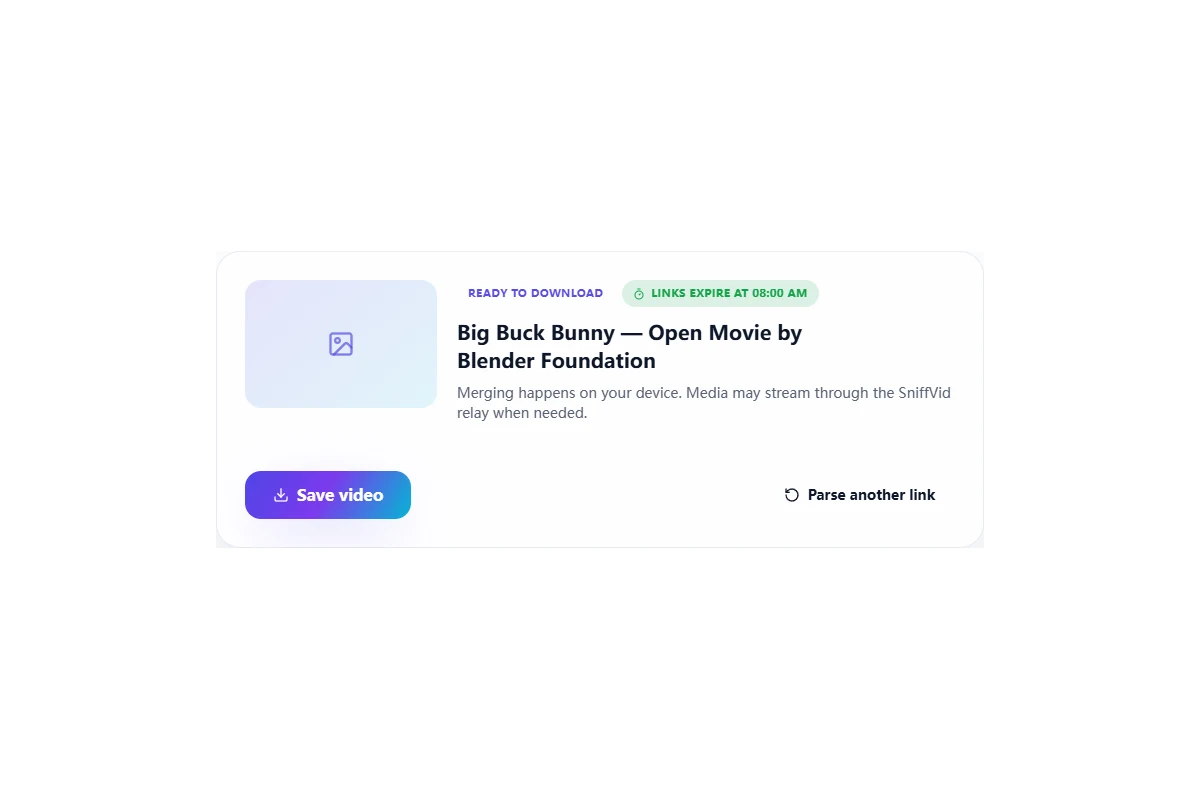
You do not upload a local video to this tool. Parsing runs in a Worker; a download may use the source directly or pass through the media relay. Track merging runs in your browser.
How to report a failure
Include the platform, link type, approximate time, browser and visible error. Do not include account cookies or other credentials.